The short version
- Your Google Business Profile is free and is the main thing Google uses to decide who shows up in the map.
- Your primary category is the most important single setting. Pick the one that matches what customers search for.
- If customers don’t come to you, set up as a service-area business and hide your address.
- A profile is never “done.” Ten minutes a week of photos, posts and review replies keeps it working.
If you run a service business anywhere from Port Charlotte to Naples, your Google Business Profile probably sends you more calls than your website does. When someone searches “pool deck pavers near me” or “AC repair Cape Coral,” the map and its three listings are the first thing they see, and those listings come straight from Google Business Profiles.
This guide walks through setting yours up properly, in order, with the Southwest Florida details that generic guides leave out.
1. Claim or create your profile
Go to Google Business Profile (business.google.com) while signed into a Google account the business controls. Use a business email, not a personal one tied to one employee, so you never lose access if someone leaves.
- Search for your business name first. If a profile already exists (Google sometimes creates them automatically), request ownership rather than making a duplicate.
- If you have duplicates from an old address or a previous business name, clean them up. Duplicates split your reviews and confuse Google.
2. Get verified
Google has to confirm you are a real business at a real location. The method it offers varies: video verification, where you record your location, signage, tools or vehicles, is now common for service businesses, and some businesses are offered a phone, email or postcard option. Follow the instructions exactly. Video verifications are often rejected for being too short or not clearly showing the business, so show your branded vehicle, equipment and something tying it to your location.
Until you are verified, edits may not show publicly, so do this first.
3. Pick the right primary category
This is the setting that matters most. Your primary category tells Google which searches you are eligible to show up for. Choose the most specific category that matches your core service: “Roofing contractor” rather than “Contractor,” “Air conditioning contractor” rather than “HVAC” if that’s what Google offers.
Then add secondary categories for other genuine services. Don’t add categories for things you only do occasionally. If a category you want doesn’t exist, don’t force a near miss. Cover that service on your website and in your profile’s services list instead.
4. Set your address or service area correctly
This is where many Southwest Florida contractors go wrong.
- Storefront business: if customers come to you, such as a showroom, shop or office with staffed hours, show your address.
- Service-area business: if you go to the customer and don’t serve people at your location, which describes most roofers, landscapers, pool builders, HVAC companies and site-work contractors, hide your address and list the areas you serve instead.
Google’s guidelines say service-area businesses shouldn’t display a home address. List your service areas by city or county: Cape Coral, Fort Myers, Lehigh Acres, or Lee and Charlotte counties. Keep the area realistic. Google suggests the overall area shouldn’t extend much past about two hours’ driving from your base.
Southwest Florida Hauling & Dumping, a Cape Coral site-development contractor and a Roll The Six client, is a good example. Their crews go to the job site, so their profile hides the street address, lists Lee, Charlotte, Collier and Hendry counties as the service area, and uses “Excavating contractor” as the primary category because it is the closest real match to land clearing and grading work. You can see how their website mirrors that same service-area setup.
5. Use your real business name
Your profile name should match your real-world business name: what is on your signs, trucks and paperwork. Adding keywords like “Best Pavers Naples” might seem to help for a while, but it violates Google’s guidelines, competitors can report it, and it can get your profile suspended.
6. Fill in hours, including special hours
Set regular hours, and if you take emergency calls, say so clearly. Use special hours for holidays and, critically in Southwest Florida, for storm closures. When a hurricane is coming, updating your hours (and posting an update about reopening) tells customers you’re still around, and reduces the angry “they never picked up” reviews.
7. Write a description that sounds like a person
You get up to 750 characters. Use them to say what you do, where, for whom, and what makes you different, in plain language. Mention your main services and towns naturally. Don’t stuff it with keywords, and don’t paste in links or promotional language like “call now for 20% off.” Offers belong in posts.
8. Add every service
In the services section, list each service you offer, with a short description. A paver company might list driveways, pool decks, patios, walkways, sealing and repair separately. These help Google match you to specific searches and show customers you do exactly what they’re looking for.
9. Upload real photos, and keep uploading
- Your logo and a strong cover photo.
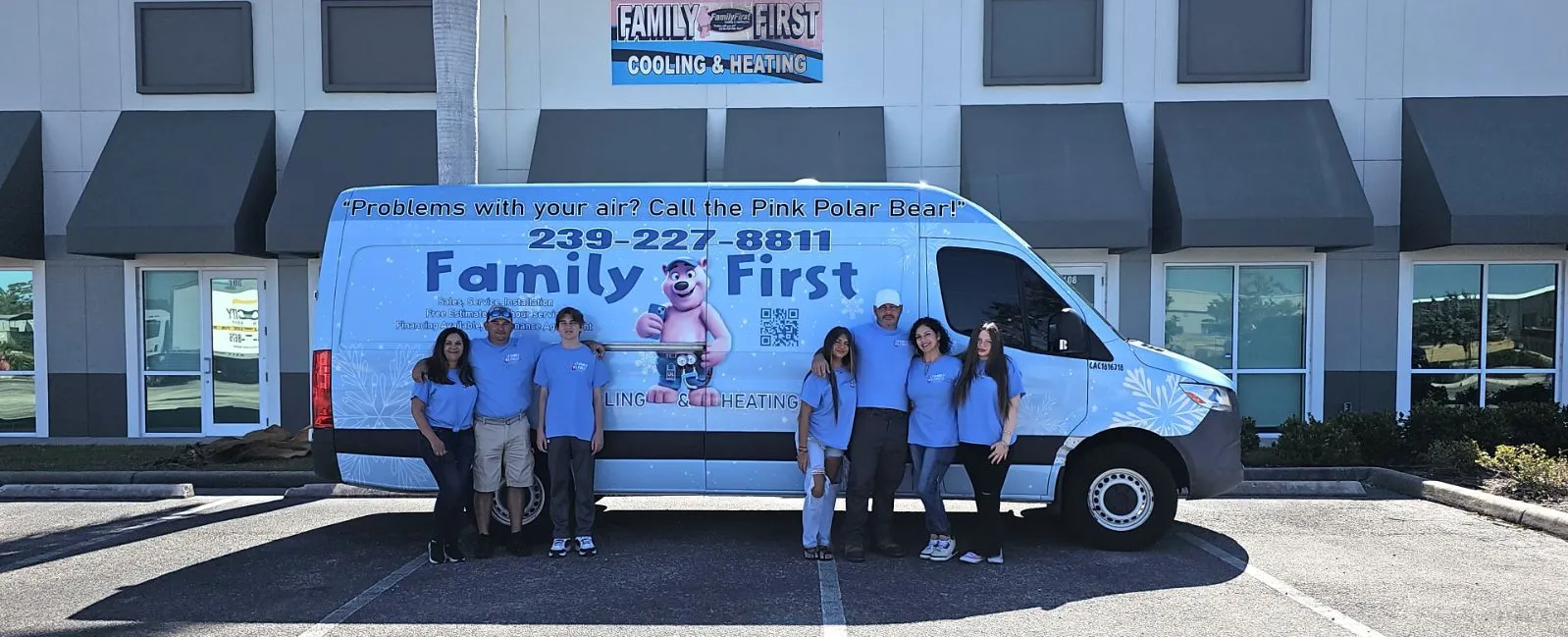
- Your team, trucks and equipment with your branding visible.
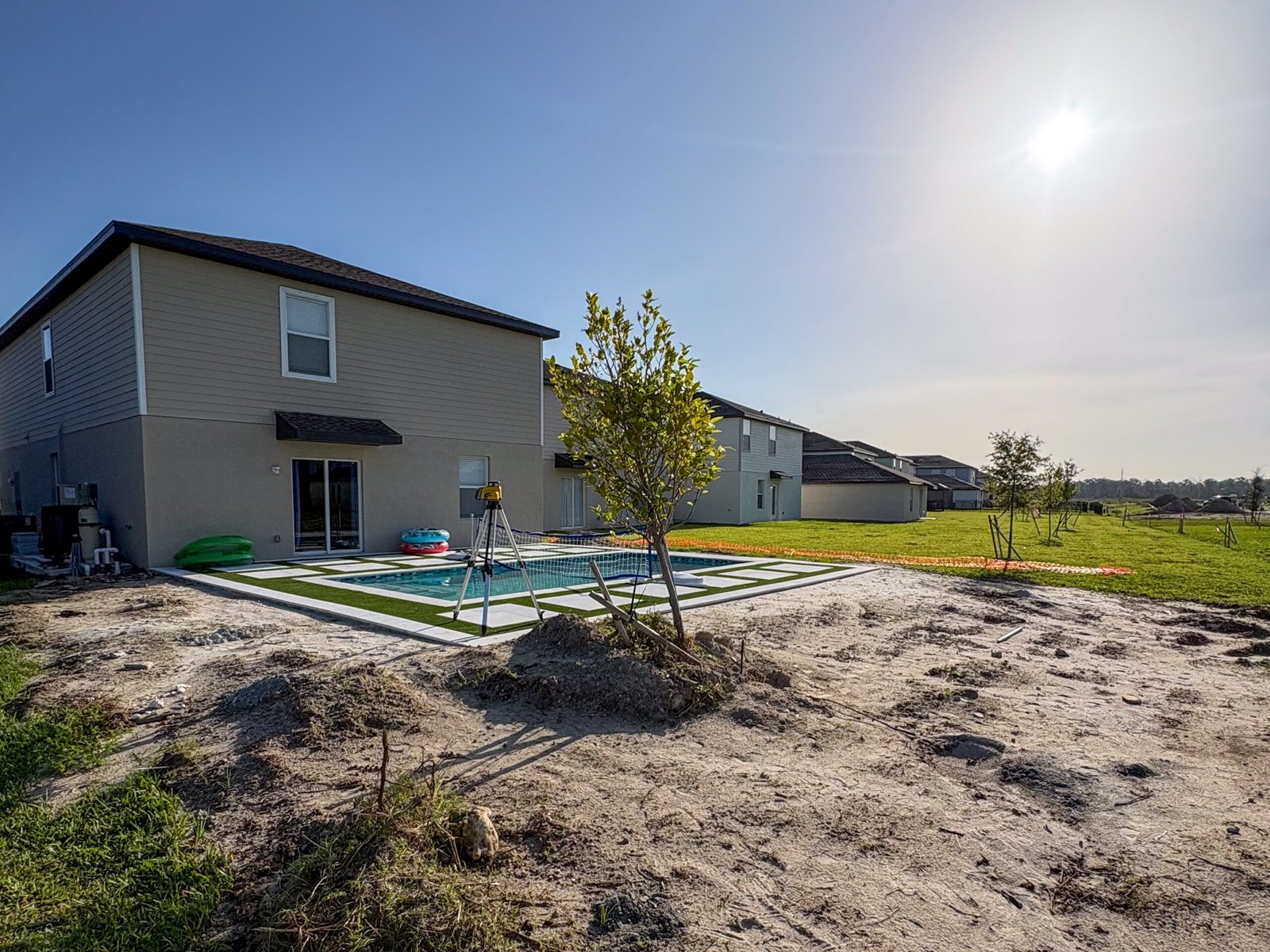
- Finished jobs, and before-and-after pairs if you have them.
- Work in progress in recognizable local settings.
Skip stock photos. Real job photos build trust, and a steady stream of new ones shows Google the business is active. Aim for a few new photos every week or two.
10. Post updates
Posts show on your profile and are a simple way to keep it fresh: a recent project, a seasonal offer, a hiring announcement, a pre-hurricane checklist. One post a week is plenty. Include a photo and a clear button such as “Call now” or “Get a quote.”
11. Set up a review routine
Copy your profile’s review link (Google provides a short link in the dashboard) and send it by text right after every completed job, while the customer is happy. Reply to every review within a day or two. For negative reviews, stay calm, acknowledge the issue, and take the details offline. Future customers read your replies as closely as the reviews.
For a step-by-step system to keep reviews coming in, and how many you actually need, read How Many Google Reviews Do You Need to Rank Locally? And when a storm is on the way, our hurricane season checklist covers how to use special hours and posts.
12. Connect it to your website
Link your profile to your website’s homepage, or to a matching location page if you have several locations. Make sure the business name, phone number and service area on your website match the profile exactly. Mismatches weaken both.
Your 10-minute weekly checklist
- Upload two or three new job photos.
- Publish one post.
- Reply to every new review.
- Check for suggested edits from Google or the public and approve or reject them. Anyone can suggest changes to your profile, including your hours and phone number.
- Update special hours if a holiday or storm is coming.
Once your profile is set, the next step is getting it into the map for the searches that matter. Our guide on getting your Cape Coral business on page one of Google covers the rest. If keeping up with weekly posts, photos and review replies isn’t realistic with your schedule, Roll The Six manages Google Business Profiles for Southwest Florida contractors.